Cozy Gaming Setup Ideas (2026)
Plan a comfortable gaming space around desk fit, usable lighting, and clear surfaces, with sourced upgrade options.
By Gamer Girl
Updated
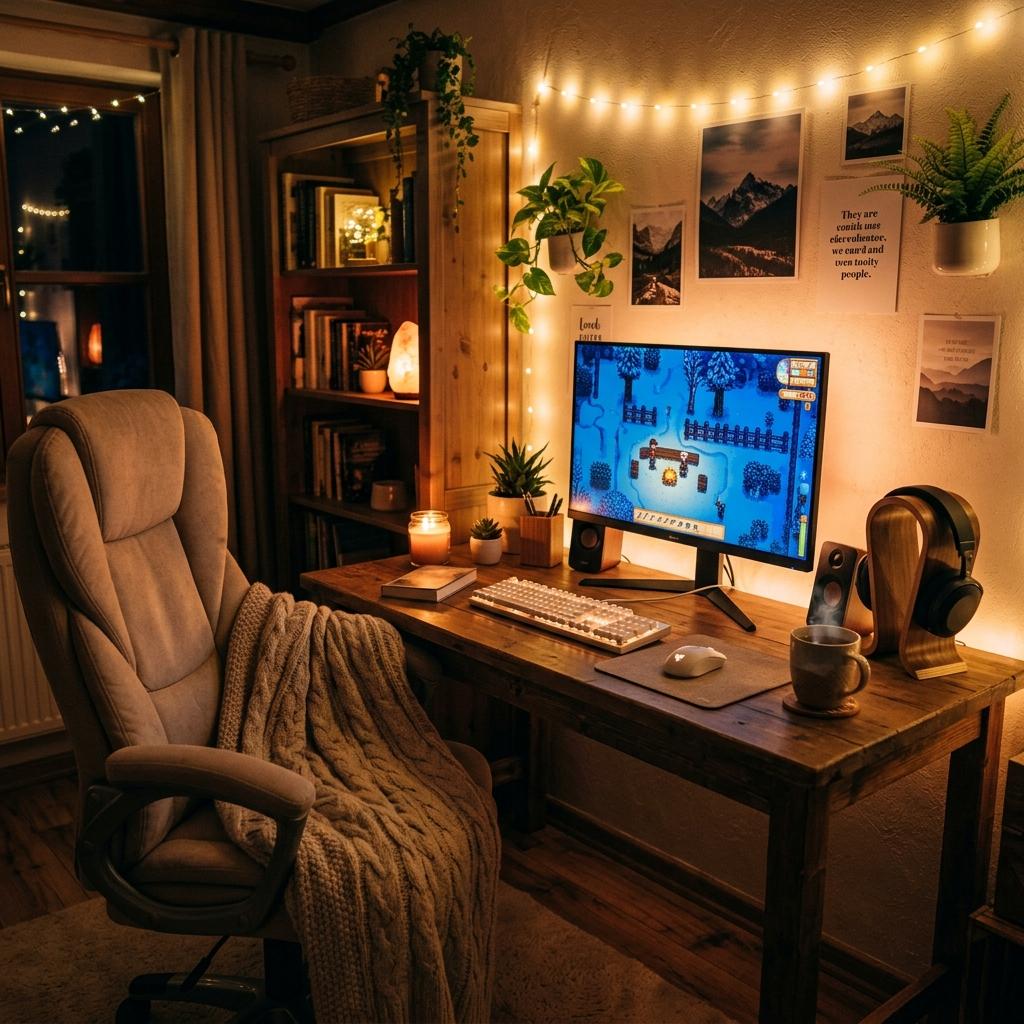
Decorative setup illustration. See linked sources for actual products and game footage.
This guide focuses on how the space works during a gaming session: room for your controls, lighting you can adjust, and furniture that fits. Start with an uncluttered desk and the equipment you already own. The lists are optional furnishings and peripherals, not a complete PC build or a promised spending total. Treat the illustrations as inspiration rather than product photos.
Color Palette
Starting options — choose what you need
Desk
IKEA LAGKAPTEN / ALEX — White, 47¼ × 23⅝ inches
A white desktop and drawer combination for a neutral base. Measure the 47¼ × 23⅝-inch footprint against your monitor, keyboard, and mouse area. Check IKEA's load and mounting guidance before adding a monitor arm.
Source: IKEA · Checked
Chair
IKEA MARKUS — Vissle Light Gray
A light-gray office chair to compare with your desk height and seated measurements. Try the chair where possible and review its adjustment range and return policy. A neutral color can work with pink or warm-toned decor, but fit matters more than matching colors.
Source: IKEA · Checked
Keyboard
Keychron K2 Wireless Mechanical Keyboard
A compact 75% keyboard with Bluetooth and wired connectivity. Its neutral case can anchor an aesthetic desk without committing to a pink board. Check the exact version, switches, backlight, and stock status on the listing. Do not assume that every K2 variant supports hot-swapping.
Source: Keychron · Checked
Desk mat
Logitech Desk Mat — Studio Series
A fabric desk mat with a spill-resistant surface and anti-slip base. It is an easy way to introduce color around an existing keyboard and mouse. Check the listed dimensions and care instructions; spill resistance does not mean it is waterproof or machine washable.
Source: Logitech · Checked
Optional upgrades and alternatives
Desk alternative
Secretlab MAGNUS Pro
A metal sit-to-stand desk with integrated cable management. Compare the available sizes with your room and allow for delivery and assembly. Choose finishes from the actual listing; a wood-themed room does not mean the desktop itself is wood.
Source: Secretlab · Checked
Monitor option
LG UltraFine 27UP850K-W
A 27-inch 4K IPS monitor with USB-C connectivity and an adjustable stand. Consider it for a desk that also handles reading and creative work. Check your computer's output support and the monitor's refresh rate against the games you play.
Source: LG · Checked
Mouse
Logitech G305 LIGHTSPEED — Lilac
A lilac wireless mouse using Logitech's LIGHTSPEED receiver. It can add a pastel accent without replacing the rest of a setup. Check receiver compatibility and compare the shape with a mouse you already find comfortable.
Source: Logitech G · Checked
Decorative lighting
Nanoleaf Shapes
Modular light panels for a decorative wall accent. Confirm that your chosen pack includes the controller and power supply you need, and follow the mounting instructions. Plan a layout before buying; extra panels and accessories can change the total cost.
Source: Nanoleaf · Checked
Cozy Setup Planning Notes
Warmth Comes From Materials
Wood tones, fabric chairs, woven baskets, soft desk mats, plants, and warm lamps make a setup feel cozy even if the gaming hardware is still black or white.
Lighting Needs Layers
A desk lamp, monitor bar, shelf light, and gentle background glow do different jobs. Adjust each light so you can see the controls clearly without distracting screen reflections.
Cozy Still Needs Performance
You can keep a fast monitor, good headset, responsive keyboard, and strong PC inside a cozy aesthetic. Hide or soften the aggressive parts rather than sacrificing how the setup plays.
Cozy Setup Checklist
Start With Warm Light
Use bulbs or LEDs that can shift warmer for evening gaming.
Add Soft Surfaces
A desk mat, blanket, cushion, or fabric chair changes the feel quickly.
Reduce Visible Cables
Cable trays and clips make the whole room feel calmer.
Keep Daily Gear Reachable
Controllers, headphones, chargers, and handhelds need simple storage, not hidden chaos.
Cozy Setup Mistakes
Making the Room Too Dim
Keep enough task light to see controls, cables, and the desk surface clearly.
Using Decor Near Heat
Keep blankets, plants, and paper decor away from vents, PCs, consoles, and power strips.
Overfilling Shelves
A few meaningful objects look calmer than a crowded display.
FAQ
Our Verdict
Prioritize usable space, adjustable lighting, and furniture fit before decorative upgrades. Add a monitor or sit-to-stand desk only when its specifications solve an identified need in your current setup.