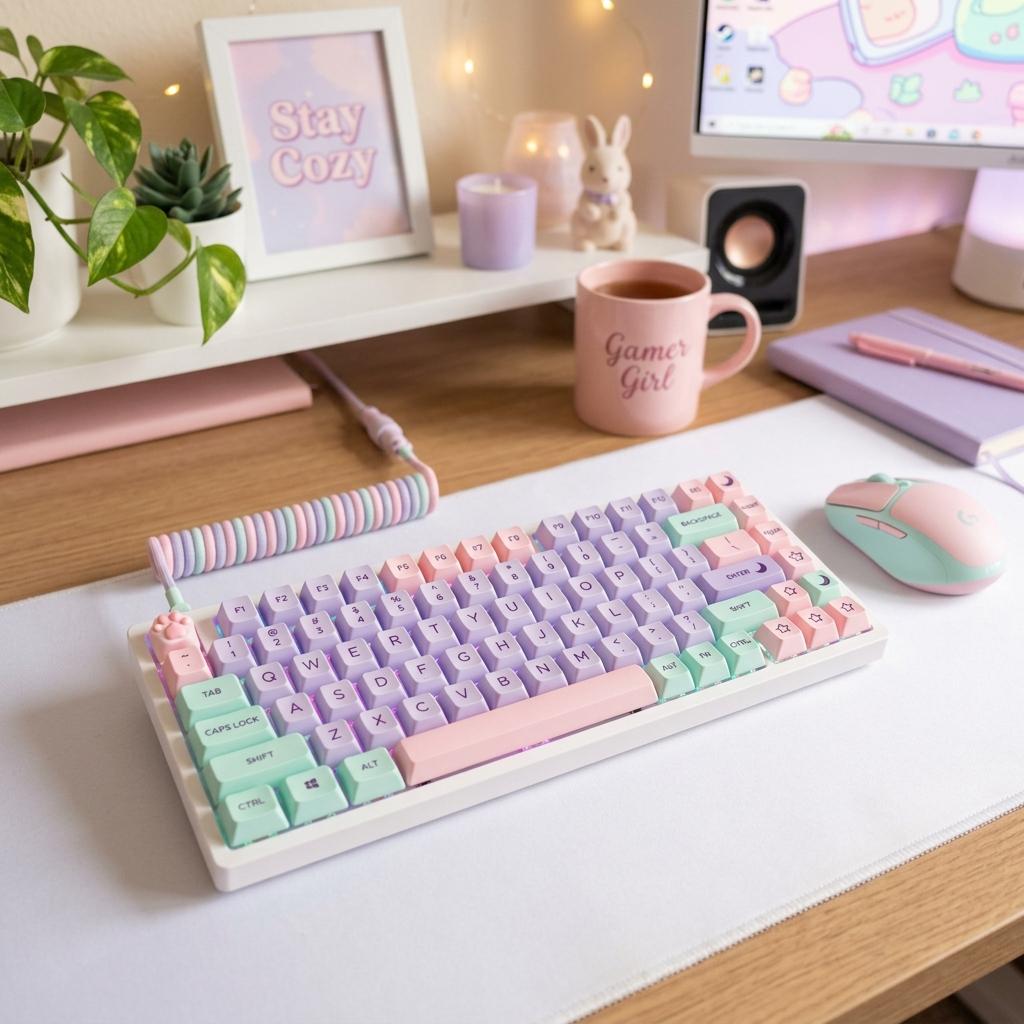
Best Starter Gaming Gear for Gamer Girls
A starter gaming gear guide for gamer girls, covering keyboards, headsets, mice, controllers, lighting, desk mats, and comfort-first upgrades.
Updated 2026-06-23
Starter gaming gear should make your setup more comfortable, more reliable, and more like your style without forcing you to buy everything at once. The best first upgrades are the pieces you touch, hear, and see every session.
Build Around Your First Real Problem
Starter gear should not be a shopping checklist that assumes every beginner needs the same things. A Switch player may need a grip case and headphones before a keyboard. A laptop player may need a mouse, cooling stand, and better lighting. A new streamer may need audio before decor. The best first purchase is the one that removes friction from the games you already play or want to try. Once that problem is solved, choose one visual anchor so the setup starts to feel personal without draining the whole budget on matching accessories.
1Start with audio and comfort
A comfortable headset or headphones make games more immersive and help with voice chat. Look for soft earcups, a stable fit, and compatibility with your platform before choosing based on color alone.
2Choose a keyboard that fits your desk
A 65%, 75%, or tenkeyless keyboard gives most beginners enough keys while leaving more mouse room. Hot-swap mechanical boards are useful if you want to experiment with cute keycaps later.
3Do not ignore the mouse or controller
A lightweight mouse, comfortable controller, or pretty controller grip can matter more than decor because these pieces affect how every game feels.
4Add aesthetic upgrades last
Lighting, desk mats, stands, shelves, and decor help the setup feel finished. Buy them after the basic gear is comfortable so the setup looks cute and works well.
Starter Gear Priorities
Compatibility Beats Aesthetic
Before choosing a color, confirm the item works with your platform. A beautiful headset or controller is frustrating if it cannot connect to your console, handheld, or laptop without extra adapters.
Comfort Is the Best First Upgrade
A lighter headset, better mouse shape, supportive chair cushion, or controller that fits your hands will make more difference than decorative pieces. The gear you touch every session should feel good first.
A Few Anchors Can Carry the Look
You do not need every starter item to be pink, white, or pastel. A desk mat, keyboard, headset stand, and wallpaper can make a setup feel styled while you keep practical gear you already own.
Starter Gear Buying Checklist
List Your Platform
Write down PC, Switch, PlayStation, Xbox, laptop, or mobile before comparing gear.
Fix the Weakest Piece First
Upgrade bad audio, uncomfortable controls, poor lighting, or desk clutter in that order.
Choose One Aesthetic Anchor
Pick a keyboard, headset, mat, lamp, or chair to define the setup visually.
Leave Budget for Basics
Cable clips, a mouse pad, stand, batteries, or storage can matter as much as the main device.
Starter Gear Mistakes
Buying a Bundle Blindly
Starter bundles can be convenient, but individual pieces may be weaker than buying one good item at a time.
Ignoring Return Policies
Fit and sound are personal. Buy from stores that make returns reasonable when possible.
Overbuilding Before Playing
Let your actual favorite games guide upgrades instead of building around an imagined routine.
Next Steps
FAQ
Key Takeaway
The best starter gear is practical first and cute second. Comfort, compatibility, and daily use should decide what you buy before the final aesthetic details.