Budget vs. Premium Gaming Setup
A practical comparison of budget and premium gaming setup upgrades, including desks, chairs, keyboards, headsets, lighting, monitors, and decor.
Updated 2026-06-20
A premium gaming setup looks amazing, but not every expensive upgrade matters equally. The smartest path is to spend on comfort and daily-use gear first, then upgrade aesthetics once the setup already feels good to use.
A Smarter Upgrade Order
The strongest setup upgrades follow the order of pain, not the order of price. If your chair hurts, fix that before buying premium wall lights. If your monitor stand steals desk space, a monitor arm may matter more than a new keyboard. If your cables make every photo look messy, cable management can do more than another decorative piece. Premium purchases are best when they remove a daily annoyance or last for years. Budget purchases are best when they establish the look, test a color palette, or solve a small problem without locking you into a huge spend.
1Spend first on comfort
Chair support, desk height, monitor position, wrist space, and lighting affect every session. These upgrades matter more than decorative pieces because they change how long you can comfortably play.
2Save on decor at the beginning
Desk mats, LED strips, prints, shelves, and small accents can look great without being premium. A coordinated color palette often matters more than brand names.
3Upgrade peripherals by feel
A better keyboard, mouse, headset, or controller is worth it when your current one annoys you. If you do not notice a problem, keep that money for a more meaningful upgrade.
4Premium makes sense for long-term pieces
A sturdy sit-stand desk, ergonomic chair, monitor arm, or high-quality monitor can last for years. These are better premium buys than trend-based accessories you may replace next season.
Where Premium Actually Helps
Daily Contact Items Matter Most
Spend more on the pieces your body touches every session: chair, desk height, mouse, keyboard, headset, and monitor position. Premium decor is less important if the setup still hurts after an hour.
Budget Decor Can Look Expensive
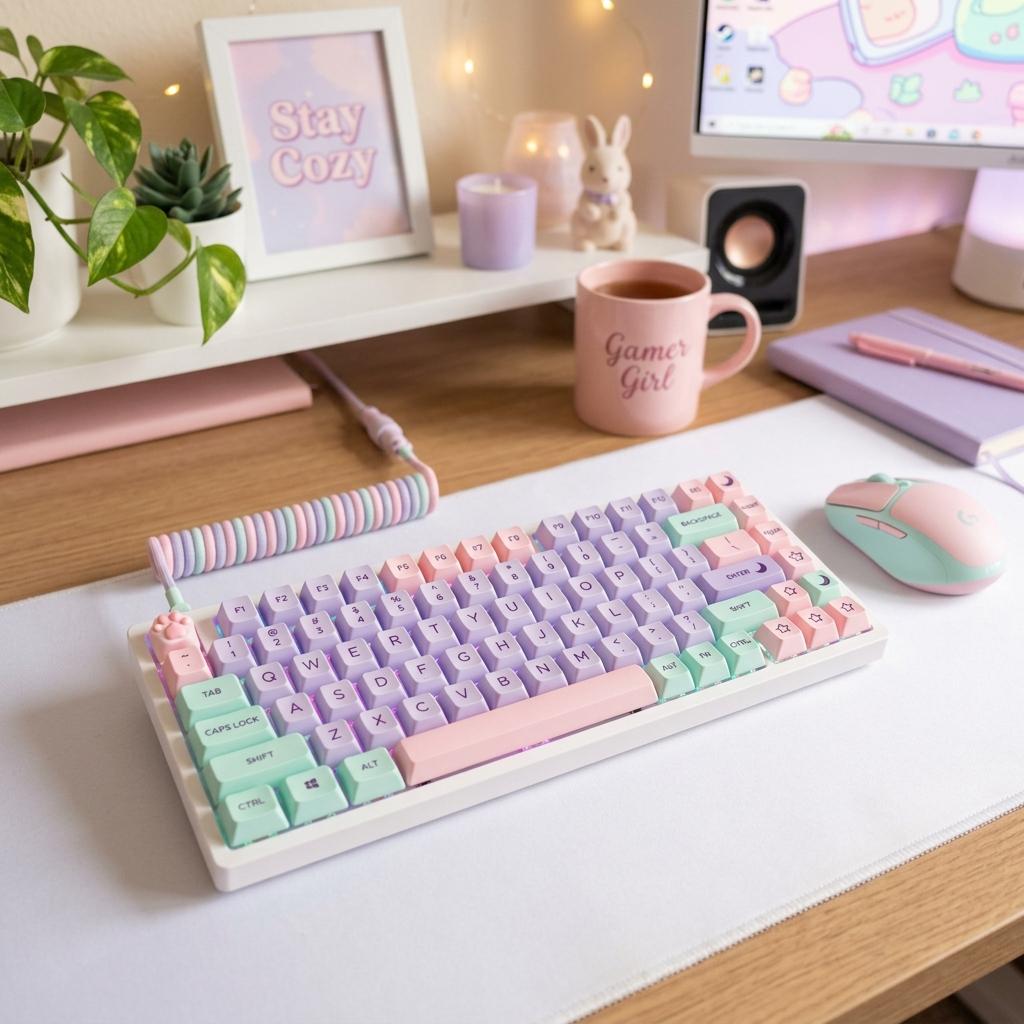
A coordinated mat, clean cables, soft lighting, matching wallpaper, and a few shelves can make affordable gear feel intentional. The visual polish usually comes from consistency, not the price of each object.
Premium Should Reduce Friction
A premium upgrade is worth it when it solves a persistent problem: back pain, wobbly desk, poor monitor quality, bad audio, or messy cable routing. Expensive items that only look different are easier to postpone.
Spend or Save Checklist
Spend on Comfort
Chair support, desk stability, monitor height, and input comfort affect every session.
Save on Early Decor
Desk mats, basic LED strips, prints, and small stands can look great without premium pricing.
Upgrade Bottlenecks
Replace the item that annoys you most before chasing a complete aesthetic refresh.
Buy Long-Term Furniture Carefully
Measure, read return policies, and check warranties before buying desks or chairs.
Budget vs Premium Mistakes
Making Everything Premium
A few premium anchors are stronger than overspending on every accessory.
Replacing Functional Gear Too Soon
If an item works well, style around it until a real upgrade need appears.
Buying Cheap Twice
For chairs, desks, and monitor arms, the cheapest option can cost more if it fails quickly.
Next Steps
Pink Gamer Girl Setup Ideas
Budget and premium tiers for a complete pink aesthetic setup.
Read Guide CozyCozy Gaming Setup Ideas
Warm setup builds with comfort-first recommendations.
Read Guide AwarenessGaming Setup Ideas for Small Rooms
Space-saving setup planning for bedrooms, dorms, and apartments.
Read GuideFAQ
Key Takeaway
Build the budget version first, then upgrade the pieces you touch or feel every day. A setup should become premium because it works better, not just because it costs more.