Wired vs. Wireless Gaming Headsets
Compare wired and wireless gaming headsets for latency, comfort, price, battery life, console support, streaming, and desk aesthetics.
Updated 2026-06-20
Wired and wireless gaming headsets can both sound great, but they solve different problems. Wired is simple and reliable. Wireless keeps your desk cleaner and makes couch, bed, or Switch gaming feel easier.
The Best Choice Depends on Movement
The wired vs wireless decision usually comes down to how much you move while gaming. If you sit at the same desk, use one platform, and want the best value, wired is simple and reliable. If you stand up between matches, switch between desk and bed, stream with a cleaner camera view, or hate cables crossing your mat, wireless feels better every day. The important detail is connection type. A good 2.4GHz wireless headset can feel nearly instant for games, while Bluetooth is better as a secondary convenience feature for phones, tablets, or cozy handheld sessions. Also think about charging habits: a wireless headset only feels premium if it has enough battery and a charging spot you will actually use.
1Wired headsets are the safest value
A wired headset does not need charging, usually costs less for the same sound quality, and avoids wireless connection issues. It is the easiest choice for a desk setup that stays in one place.
2Wireless headsets feel cleaner
Wireless headsets remove cable clutter and let you move around between matches, streams, or cozy gaming sessions. Modern 2.4GHz wireless is usually fast enough for gaming.
3Battery life changes the experience
If you choose wireless, check battery life and charging style. A headset that lasts 30 hours or more feels low-maintenance, while shorter battery life can become annoying fast.
4Console support matters
Not every wireless headset works with every console. Always check compatibility for PC, Switch, PlayStation, Xbox, and Bluetooth before buying.
Headset Tradeoffs
Wired Is Simple and Predictable
A wired headset avoids charging, pairing, and wireless compatibility issues. It is often the better value if you game mostly at a desk and do not mind one cable crossing the setup.
Wireless Improves Movement
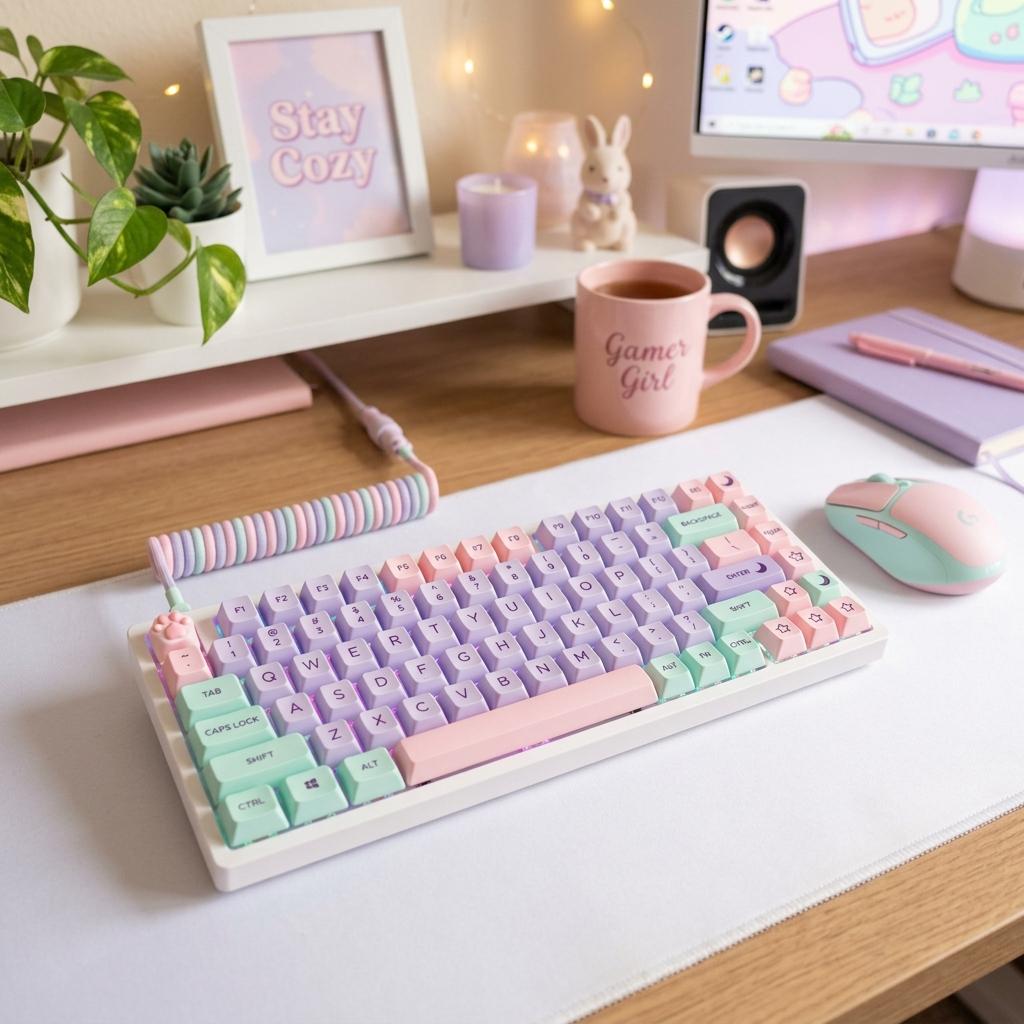
Wireless is more comfortable when you switch between desk, bed, couch, streaming, and quick breaks. A clean desk also photographs better when fewer cables run across the keyboard and mat.
Connection Type Matters
Bluetooth is convenient for phones and handhelds, but 2.4GHz wireless is usually better for low-latency gaming. Some headsets offer both, which is useful if you move between PC, Switch, and mobile.
Headset Buying Checklist
Confirm Platform Support
Check PC, PlayStation, Xbox, Switch, Bluetooth, and USB dongle compatibility before buying.
Check Weight and Clamp
Comfort matters more than specs if you play for long sessions or wear glasses.
Review Battery Life
For wireless, look for enough battery to cover several sessions without constant charging.
Listen to Mic Samples
Microphone quality varies widely, especially on cute or budget headsets.
Headset Mistakes to Avoid
Choosing Bluetooth for Competitive Play
Bluetooth can add noticeable delay. Use wired or 2.4GHz wireless for low-latency games.
Forgetting Console Limits
Some wireless headsets work on PC but not Xbox or Switch voice chat.
Overvaluing RGB
Lighting can shorten battery life and does not improve comfort, audio, or microphone quality.
Next Steps
Best Pink Gaming Headsets
Pink wired and wireless headset picks for different budgets.
Read Guide StreamingBeginner Streaming Setup Checklist
How headset choice fits into a beginner creator setup.
Read Guide ComparisonUSB Microphone vs Headset Mic for Streaming
When to use a headset mic and when to upgrade to USB audio.
Read GuideFAQ
Key Takeaway
Choose wired for value and reliability. Choose wireless if cable-free comfort, couch gaming, or a cleaner setup matters more.