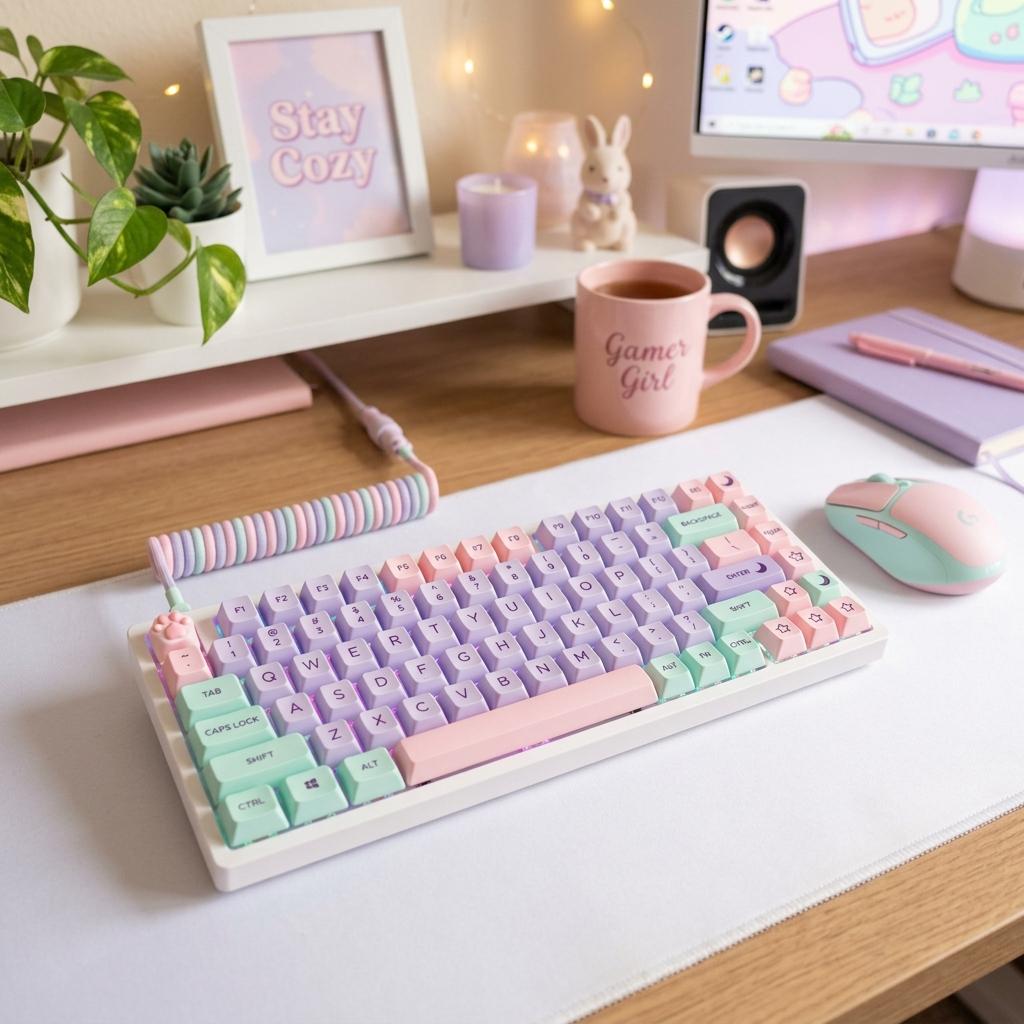
Mechanical vs. Membrane Keyboards for Gaming
Compare mechanical and membrane keyboards for gaming, typing feel, sound, budget, customization, and cute setup aesthetics.
Updated 2026-06-20
If you are choosing a gaming keyboard, the first big decision is mechanical vs. membrane. Mechanical keyboards usually feel more precise and customizable, while membrane keyboards are quieter, cheaper, and simpler.
How to Think About the Choice
Mechanical vs membrane is less about which technology is objectively better and more about which tradeoff fits your setup. Mechanical keyboards are usually the better long-term choice for people who care about typing feel, keycap swaps, switch sound, and aesthetic customization. Membrane keyboards make sense when budget, quiet typing, spill resistance, or simplicity matter more. If you are unsure, do not start with the most expensive board. Try an affordable hot-swap mechanical keyboard or a well-reviewed quiet membrane board, then pay attention to what you notice after a week: sound, height, layout, and fatigue.
1Mechanical keyboards feel more defined
Each key has its own switch, which gives mechanical boards a clearer press and more consistent feedback. They are popular for gaming because they feel responsive and can be customized with different switches and keycaps.
2Membrane keyboards are quieter and cheaper
Membrane boards use a softer pressure layer under the keys. They are often less expensive and quieter, which can be helpful for shared rooms, dorms, or late-night gaming.
3Customization favors mechanical
If you care about cute keycaps, switch feel, sound, and layout, mechanical boards give you more room to personalize. Hot-swap boards are especially beginner-friendly because you can change switches without soldering.
4The right choice depends on your priorities
Choose mechanical if you want feel, aesthetics, and long-term customization. Choose membrane if you want a low-cost, quieter keyboard and do not care much about modding.
Keyboard Decision Factors
Feel Is the Main Difference
Mechanical switches give each key a more distinct press, which many players prefer for movement, shortcuts, and typing. Membrane boards feel softer and less defined, but that can be perfectly fine for casual games and shared rooms.
Sound Can Decide the Room Fit
Clicky mechanical keyboards can bother roommates, family, or stream microphones. Linear, tactile, silent, and gasket-mounted boards are better choices when you want mechanical feel without a loud setup.
Aesthetics Favor Mechanical
If cute keycaps, custom cables, pastel cases, or switch changes matter, mechanical boards give you more upgrade paths. A hot-swap board is the easiest starting point because you can change switches without soldering.
Keyboard Buying Checklist
Choose the Layout
Pick 60%, 65%, 75%, TKL, or full-size based on desk space and whether you need function keys or a number pad.
Check Switch Type
Linear is smooth, tactile has a bump, clicky is loud, and silent switches reduce noise.
Look for Hot-Swap
Hot-swap boards are beginner-friendly if you want to experiment with feel later.
Confirm Keycap Compatibility
Standard layouts make it much easier to buy cute replacement keycaps.
Keyboard Mistakes to Avoid
Buying Only for Color
A cute keyboard still needs a layout, sound, and switch feel you enjoy every day.
Ignoring Height
Tall keyboards can strain wrists without a wrist rest or lower desk position.
Assuming Mechanical Means Loud
Many mechanical boards can be quiet with the right switches, case, and desk mat.
Next Steps
Best Cute Gaming Keyboards
Pastel mechanical keyboard picks for different budgets and layouts.
Read Guide AwarenessHow to Make Your Gaming Setup Look Cute
How to match keyboard colors, desk mats, lighting, and accessories.
Read Guide ComparisonBudget vs Premium Gaming Setup
How much to spend on keyboards, chairs, headsets, and lighting.
Read GuideFAQ
Key Takeaway
Most aesthetic gaming setups should choose a mechanical keyboard, especially a hot-swap board. Membrane still makes sense when quiet typing and price matter most.