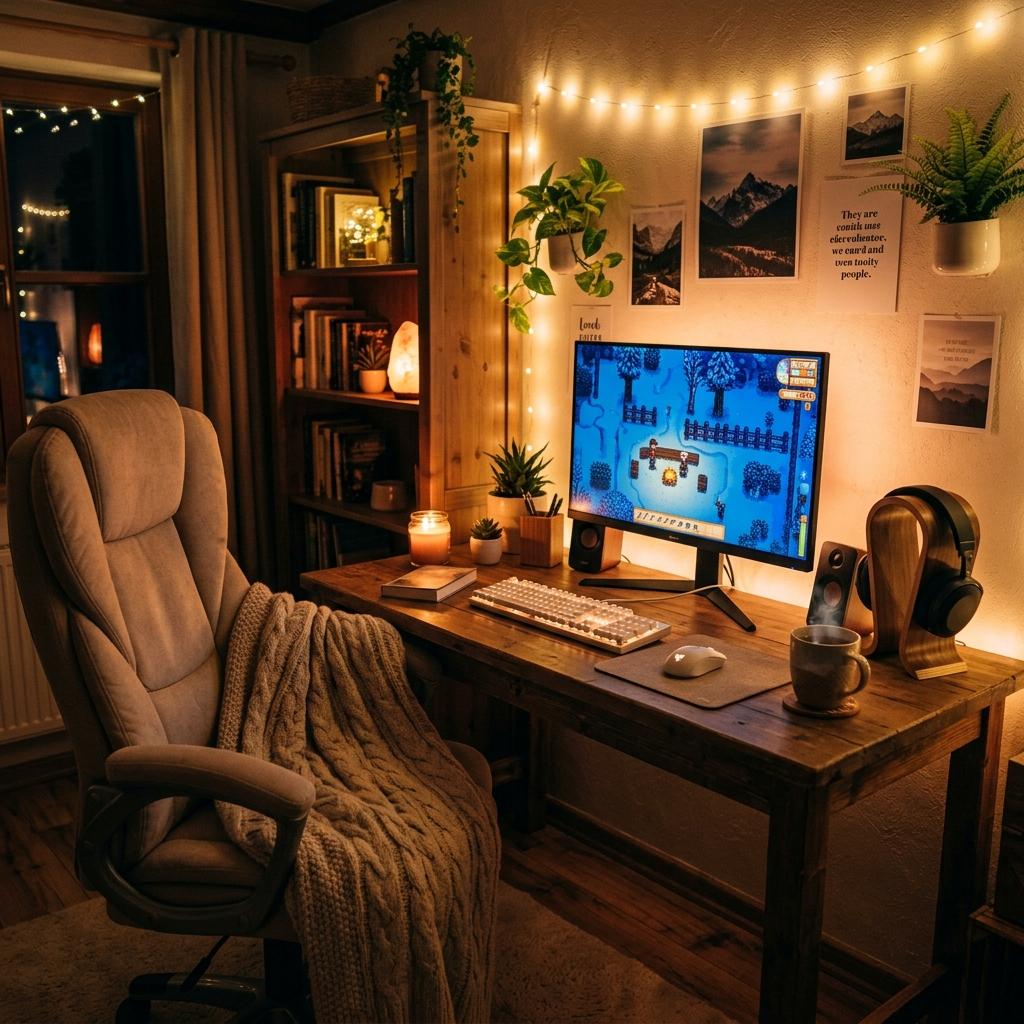
How to Start Gaming as a Beginner
A gentle beginner guide to gaming, covering platforms, starter gear, game genres, comfort, and how to find games you actually enjoy.
Updated 2026-06-20
Starting gaming can feel intimidating when everyone seems to know the terms, gear, platforms, and genres already. The truth is simpler: pick one platform, choose games that match your mood, and upgrade your gear slowly as you learn what you enjoy.
A Gentle First Path
The easiest way to start gaming is to avoid treating it like a test. You do not need to learn every genre, buy a full setup, understand PC specs, or play what everyone else is playing. Begin with one platform and one game that genuinely sounds fun. If the controls feel awkward, change settings. If the game feels stressful, switch genres. If you get tired quickly, adjust brightness, volume, seating, or session length. Confidence comes from finding a few games that fit your mood and building simple habits around them, not from proving you belong on day one.
1Choose your platform first
Nintendo Switch is friendly for cozy and casual games, PC has the widest library and most customization, and PlayStation or Xbox are great for couch gaming. Start where your favorite games already are.
2Begin with low-pressure games
Cozy games, life sims, puzzle games, story games, and creative games are easier starting points than competitive shooters. You can build confidence before moving into faster genres.
3Buy only the basics
You do not need a full setup at the beginning. A comfortable controller or mouse, decent headphones, and a screen you already own are enough to start. Upgrade when you understand what bothers you.
4Make comfort part of the hobby
Take breaks, keep your wrists relaxed, adjust brightness, and avoid sitting awkwardly for long sessions. Comfort keeps gaming fun instead of tiring.
Beginner Decisions That Matter
Start With Games, Then Gear
The easiest platform choice is the one with the games you already want to play. Gear only matters after that. A pretty keyboard will not help if your favorite titles are on Switch, and a console will not help if your friends mostly play PC.
Comfort Prevents Early Burnout
New players often blame themselves when gaming feels tiring, but brightness, audio, seating, and control settings can be the real issue. Lowering sensitivity, remapping buttons, or using a controller can make a game feel far more welcoming.
Single-Player Is a Great Start
You do not need to jump into competitive multiplayer to become a gamer. Story games, cozy games, puzzles, and creative sandboxes teach controls and confidence without the pressure of strangers watching every mistake.
Beginner Gaming Checklist
Pick One Platform
Choose Switch, console, PC, laptop, or mobile based on games, budget, and where your friends play.
Try Three Genres
Test a cozy game, a story game, and an action or puzzle game before deciding what kind of gamer you are.
Use Accessibility Settings
Check difficulty, subtitles, camera speed, button mapping, aim assist, motion blur, and color settings.
Upgrade Slowly
Buy gear only when you know what problem it solves: comfort, audio, controls, storage, or aesthetics.
Beginner Mistakes to Avoid
Buying a Full Setup Immediately
Wait until you know whether you prefer handheld, couch, desk, competitive, cozy, or creative gaming.
Forcing Popular Games
A famous game is not automatically your game. Quit what feels stressful and try a different genre.
Ignoring Breaks
Eye strain, wrist tension, and frustration are signs to pause, not signs you are bad at gaming.
Next Steps
Best Cozy Games for Nintendo Switch
A gentle list of relaxing games that are beginner-friendly.
Read Guide AwarenessWhat Is a Cozy Gaming Setup?
How to build a comfortable gaming space from the basics.
Read Guide Gift GuideBest Gifts for Gamer Girls
Starter-friendly accessories and practical gift ideas.
Read GuideFAQ
Key Takeaway
The best beginner path is simple: pick one platform, play approachable games, and let your setup grow around your real habits.